The short version
A useful starting point
Consider Mailchimp for an existing audience or store that needs organised email campaigns. Keep imported contacts, consent records and audience segments organised.
A good fit if…
An existing audience or store that needs organised email campaigns.
Look elsewhere if…
Your proposed audience structure or sending volume does not fit the plan you are prepared to maintain.
Mailchimp brings email campaigns, signup forms and automation together. Its platform connects with website and store services, including WordPress and WooCommerce. Audience organisation and plan allowances matter when choosing a setup. This makes it a candidate for an existing audience or store that needs organised email campaigns. The sections below connect those features with a task you can try using your own material.
What the product documentation confirms
Verify how your contacts and sends are counted and which integration your plan supports. Keep imported contacts, consent records and audience segments organised. It may not be the right purchase if your proposed audience structure or sending volume does not fit the plan you are prepared to maintain.
Define the newsletter job before configuring anything
Example: a solo illustrator wants visitors to request a monthly studio update, then receive news about recent work and upcoming commissions. The immediate job is not to build a complex marketing system. It is to make the signup promise specific, prepare a useful newsletter and know which people should receive it. A welcome message might be worth exploring later, but only after checking whether the intended automation is supported under the relevant plan.
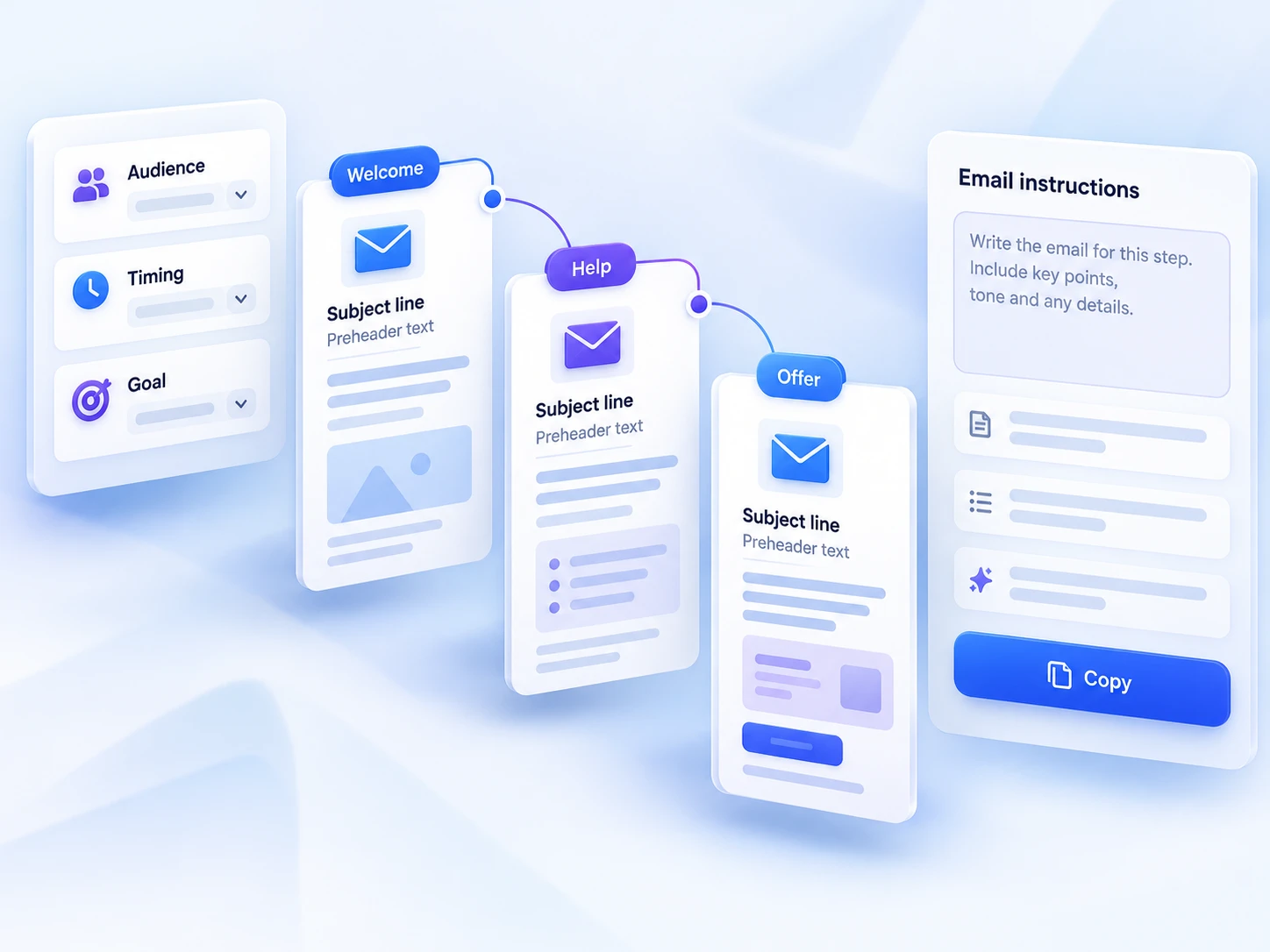
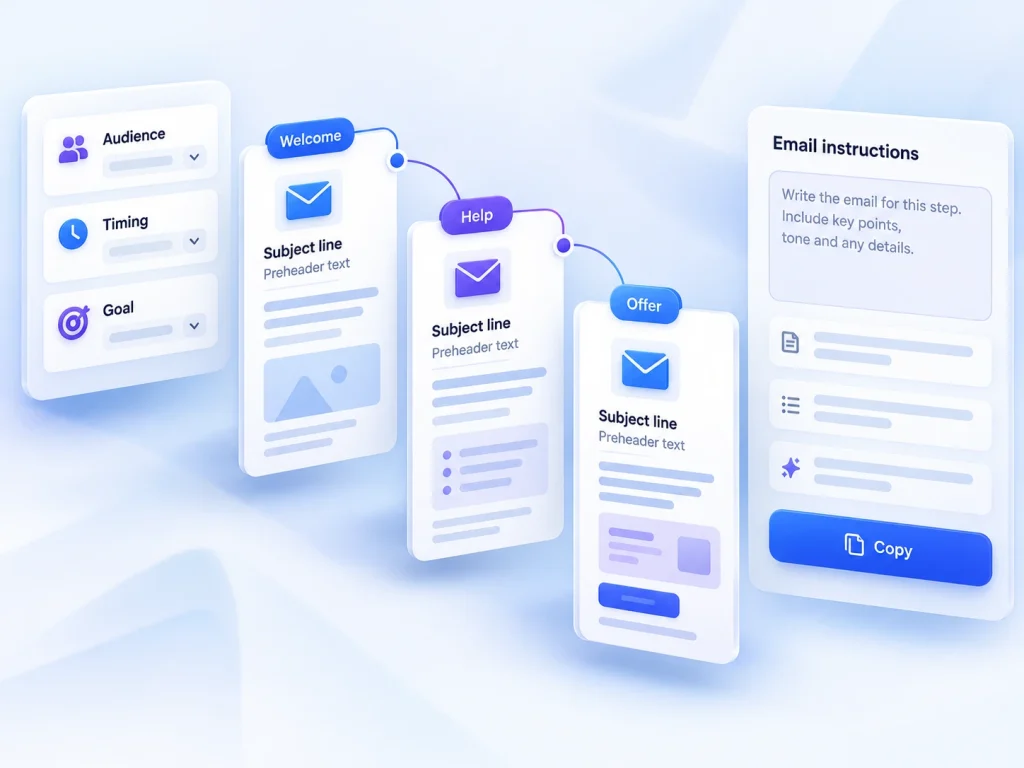
Write that job as a short sequence: someone requests updates, their details enter the intended process, and the creator prepares an appropriate email for that audience. For each step, record what you expect to happen and what you need to inspect. This turns a vague platform evaluation into a manageable task. It also helps distinguish an essential requirement from an attractive feature you would rarely use.
Judge setup effort by what you can explain afterwards
For a small business, setup effort includes more than creating the first email. You need to understand where signup details go, how you identify the intended recipients and which actions remain manual. During an evaluation, keep a simple record of decisions and unresolved questions. If you cannot explain the route from signup to newsletter in a few sentences, simplify the proposed process before adding more moving parts.
Treat contact counting as a concrete planning question rather than a footnote. Describe your expected situation, including any existing records and any overlapping signup routes, and check how the applicable rules would treat it. Do not assume that your own definition of a subscriber matches the platform’s counting method. Similarly, confirm the limits relevant to your intended activity rather than relying on the general presence of a feature.
Run a small, task-based evaluation
If a suitable evaluation route is available, use a draft newsletter and an address you control. Avoid moving your whole process merely to explore the editor. The useful output is a newsletter you can review, accompanied by a specific account of how recipients would enter the process. Assess readability, the readability of the signup promise and your confidence in selecting recipients—not imagined business results.
- Map one signup route and confirm where submitted details would go before publishing it.
- Prepare one representative newsletter and assess whether its structure suits the information you actually send.
- If automation is essential, check the exact intended sequence and its relevant plan requirements.
- Write down the recurring steps, unresolved questions and contact-counting rules that affect your decision.
Keep maintenance separate from initial enthusiasm
Automation is useful only when its behaviour remains understandable. A manually managed newsletter may involve more recurring work, but a process with additional automated steps also needs ownership and review. For your proposed setup, decide who checks the signup promise, updates recurring content and notices when the process needs changing. These are operational responsibilities to plan for, not claims about Mailchimp’s specific controls.
The sensible next decision is whether Mailchimp supports your smallest useful workflow on acceptable terms. Continue evaluating if you can explain the process, identify the applicable limits and maintain the output comfortably. Pause if essential questions remain unanswered. A short list of verified requirements is more valuable than a long list of possible future uses.
Strengths
- Newsletters and triggered messages using audience information.
- Mailchimp brings email campaigns, signup forms and automation together.
Limitations
- Keep imported contacts, consent records and audience segments organised.
- Verify how your contacts and sends are counted and which integration your plan supports.