
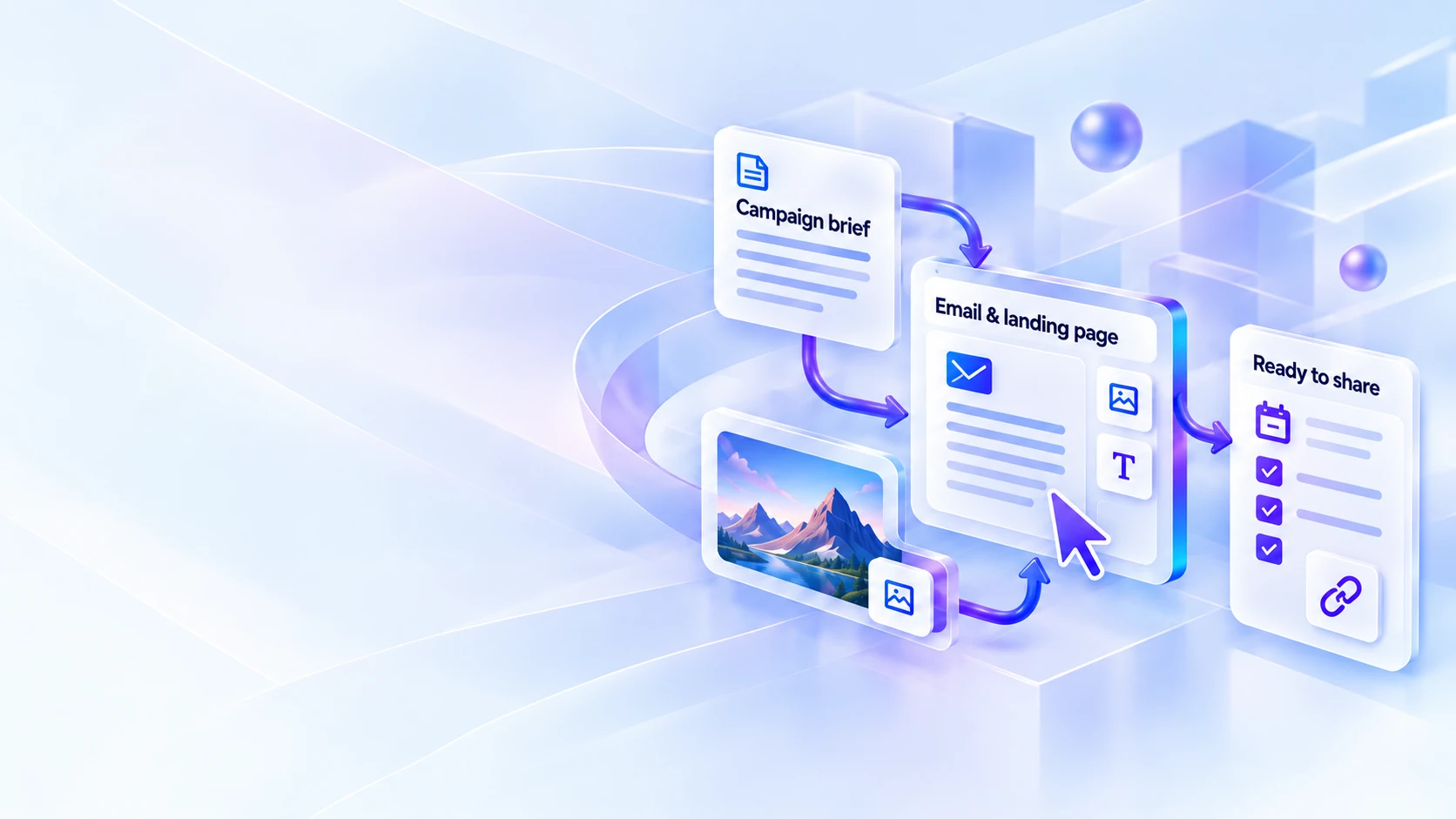
PLAN. CREATE. PUT IT TO WORK.
Good ideas deserve
a working plan.
Plan your content, compare marketing software and make campaign assets you can put to work.
Guides to learn from. Software to compare. Tools to make it happen.
MAKE AN INFORMED CHOICE
Find the right tool
for the task.
Compare the setup, useful features and trade-offs before adding another subscription.

Email platforms
Match the email tools to the way you write, welcome and stay in touch.

Landing page builders
Compare a focused one-page site with a platform for testing campaign pages.
MADE FOR YOUR WORKING DAY
Your ideas.
Ready to work on.
Build campaign links, compare headlines, plan content or write design prompts. Four free tools and six premium workspaces, with editable examples and downloadable outputs.

Campaign Link Studio
Build campaign links in batches, resolve existing tags and export a ready-to-use link table.
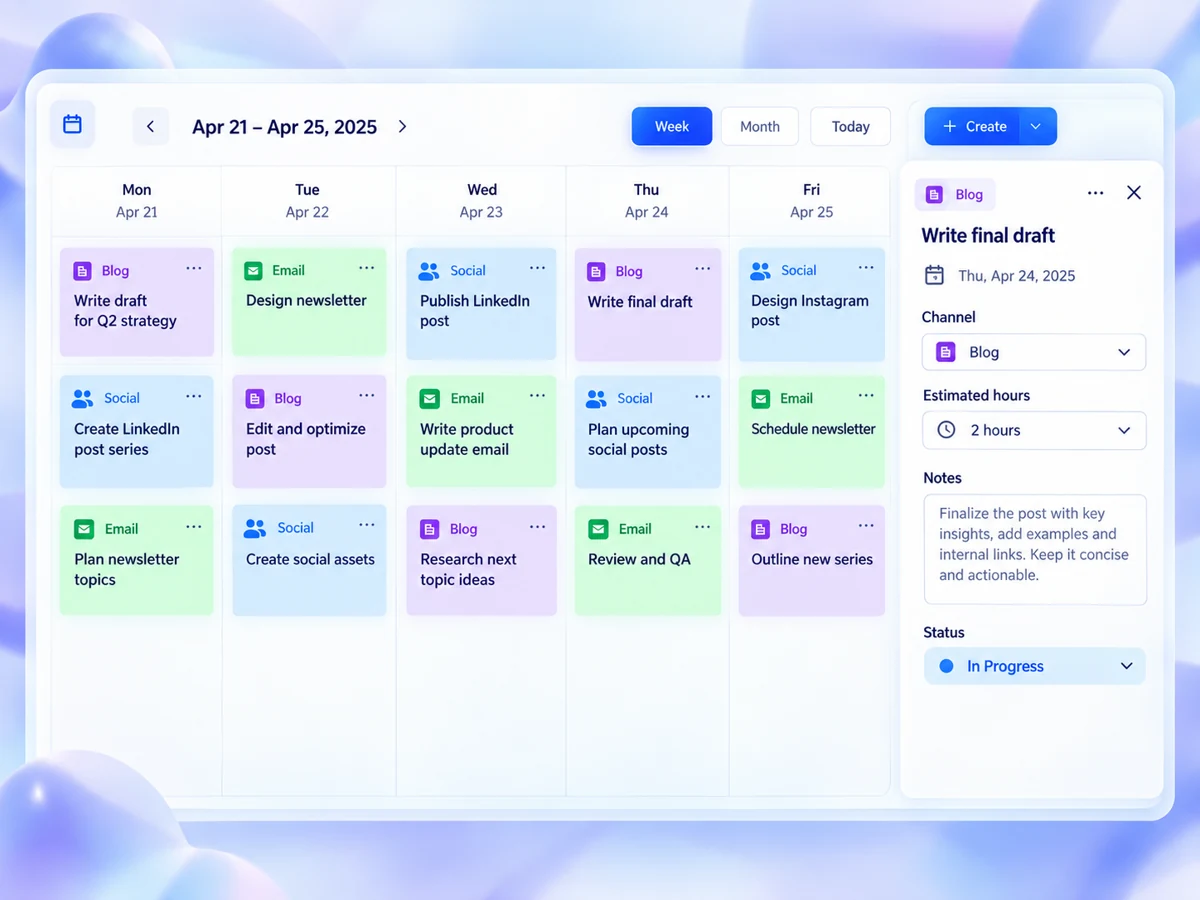
Content Campaign Board
Arrange content on a calendar or board, manage workload and export a calendar file.

Headline Preview Lab
Compare headline variants in email, search and social previews before you publish.

FEATURED GUIDE
One useful resource.
One problem solved.
A good checklist makes something easier. Start with a specific reader, choose one small job and build a resource they can actually use.
Compare before you choose
Compare the tools for your next task

Top 4: email platforms for a newsletter and welcome sequence
Compare Kit, MailerLite, GetResponse and Mailchimp around one useful task: collecting subscribers, welcoming them and maintaining a regular newsletter without unnecessary complexity.
Read the comparison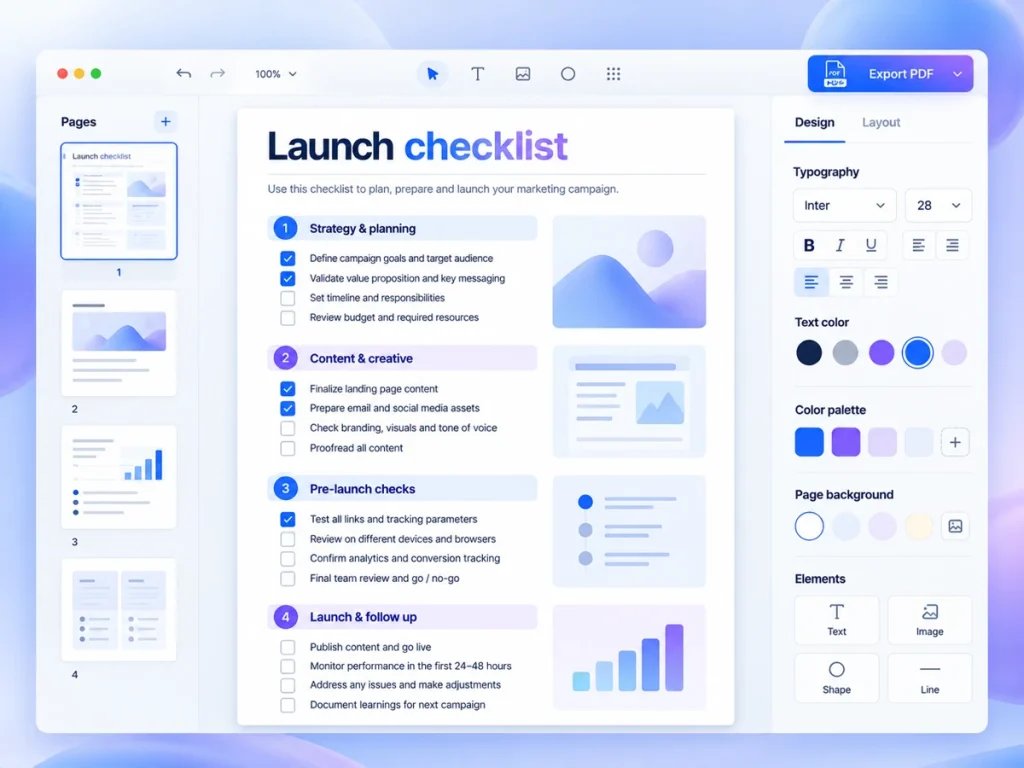
Top 4: ebook design tools for a guide or checklist
Compare Canva, Adobe Express, Visme and Sqribble by starting material, delivery needs and revision work, then use a small trial to check fit for your workflow.
Read the comparisonTop 4: social schedulers for a small publishing routine
Compare Buffer, Metricool, Publer and SocialBee by the work your recurring content plan creates—not just the features listed. Use a small trial to check setup, upkeep and publishing fit.
Read the comparison
Top 3: form builders for a useful client enquiry
Compare Tally, Typeform and Jotform around one useful enquiry task, then trial the question flow, follow-up process and plan limits before choosing.
Read the comparison
Top 2: page builders: Carrd and Leadpages for different jobs
Compare Carrd and Leadpages around a useful offer-page task: what to build, what to check in the plan and what you will need to maintain after launch.
Read the comparisonWELCOME TO CAMPAIGN DESK
A workspace for
your marketing ideas.
For independent creators and small teams, the work ranges from writing the first email to choosing the software behind it. Find step-by-step guides, research-based reviews and browser tools for the jobs on your desk.

FROM THE JOURNAL
Ideas you can put to work
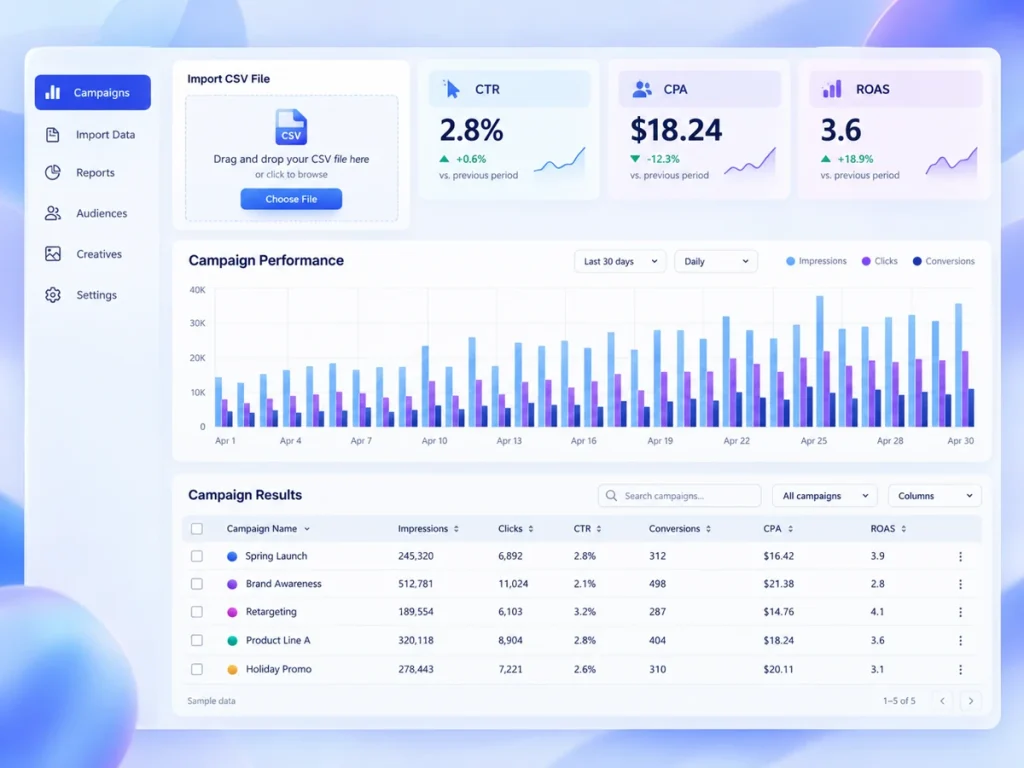
A One-Page Campaign Review That Ends With a Decision You Can Act On
Use a compact worksheet to compare a small campaign with its original goal, separate evidence from assumptions and choose one manageable change for next…
Read the guide
What an Affiliate Link Means—and How to Explain It to Your Readers
An affiliate link can earn the publisher a commission when a reader takes a qualifying action. Here is how to explain that relationship explicitly…
Read the guide
Build a Weekly Marketing Block Around One Finished Task
Choose a realistic time slot, define one useful output and set a fallback for busy weeks—without turning your marketing plan into another workload.
Read the guide
A CLOSER LOOK
Before you add another tool
Plausible review: Measure a campaign around a few useful questions
Review campaign traffic alongside goals or custom events. See who it suits, what needs upkeep and what to check before choosing.
Read the review
Descript review: Edit a recorded explanation through its transcript
Edit a transcript, then review the resulting audio and video. See who it suits, what needs upkeep and what to check before choosing.
Read the reviewLoom review: Explain one task with a focused screen walkthrough
Record a screen explanation and collect comments on specific moments. See who it suits, what needs upkeep and what to check before choosing.
Read the review
OUR APPROACH
Useful, specific and open about limits
Start with the task
We organise guides and comparisons around the job you want to finish.
Explain the trade-offs
See the documented features, upkeep and purchase checks that matter for the task.
Give you something to use
Work from an example, add your details and export a document for your project.
ALL APP ACCESS
The whole toolkit.
Ready when you are.
Choose individual tools, or open every app on this site with All App Access. Future additions are included too.
PICK A PROJECT. MAKE A START.
What would you like
to work on today?
Draft an offer, map your welcome emails or plan a week of content. Choose a tool and begin with an example.