The short version
A useful starting point
Consider MailerLite for a download signup followed by an email series. Keep the download destination consistent in the page and delivery email.
A good fit if…
A download signup followed by an email series.
Look elsewhere if…
You only need a public download link and have no reason to collect subscribers or maintain an email series.
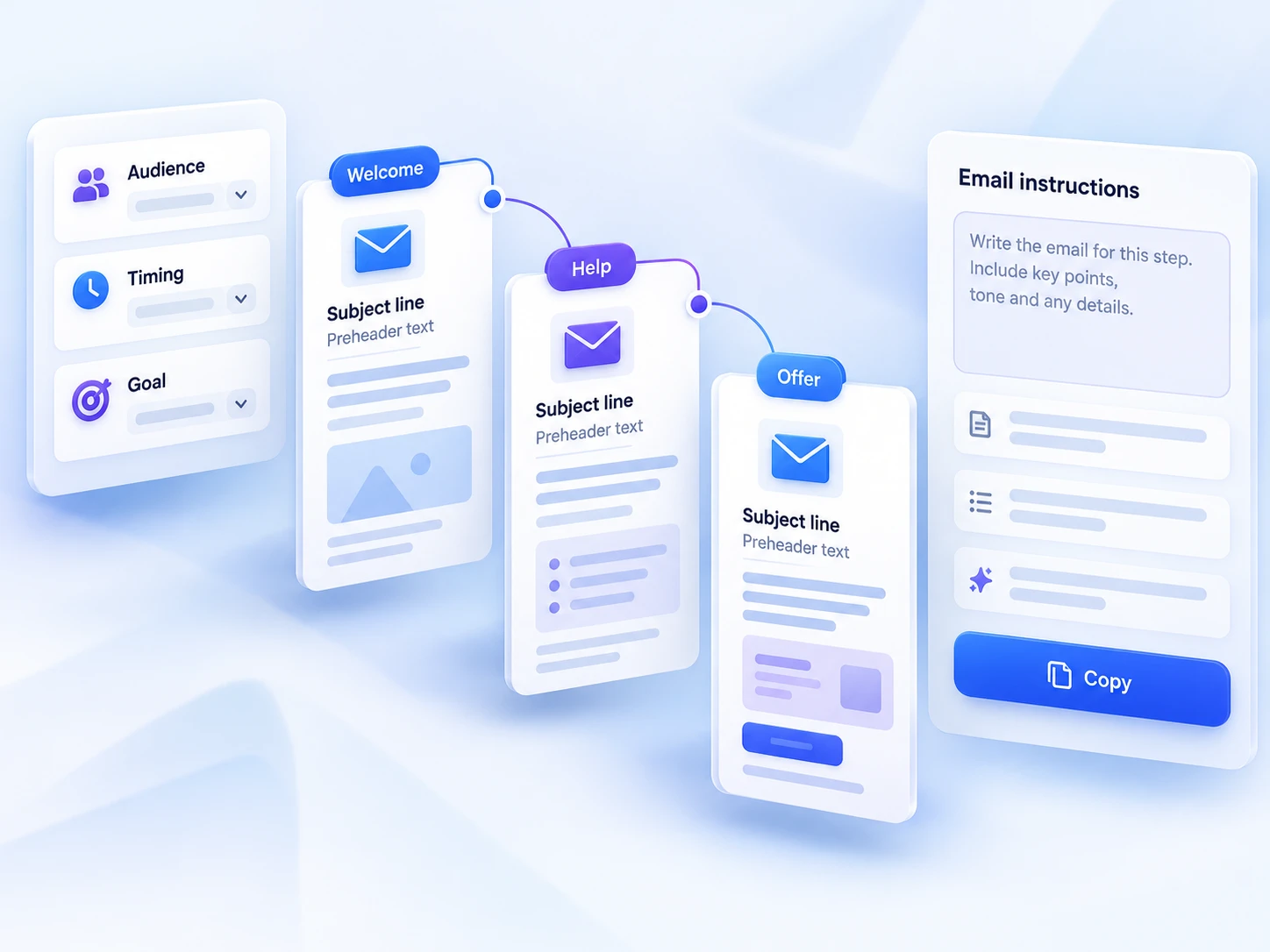
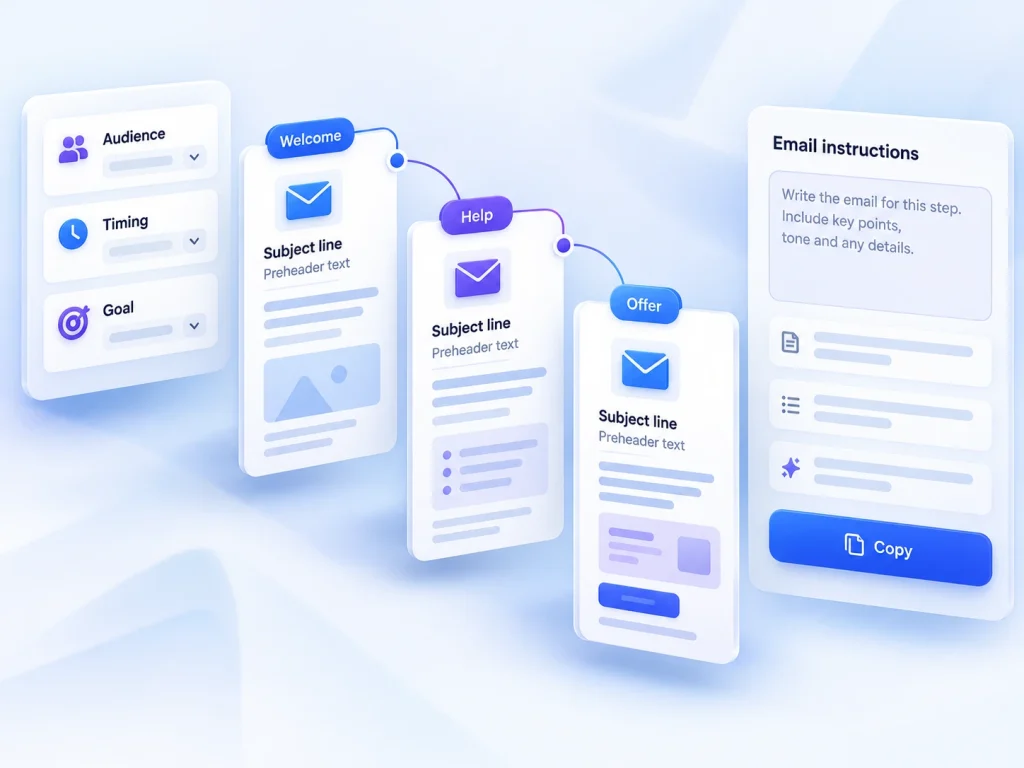
MailerLite connects landing pages with email marketing. Its landing-page guide describes delivering a resource through an automated email and a thank-you-page link, then following up through email sequences. This makes it a candidate for a download signup followed by an email series. The sections below connect those features with a task you can try using your own material.
What the product documentation confirms
Check automation access, subscriber limits and your intended resource delivery route. Keep the download destination consistent in the page and delivery email. It may not be the right purchase if you only need a public download link and have no reason to collect subscribers or maintain an email series.
Start with one resource and one reader need
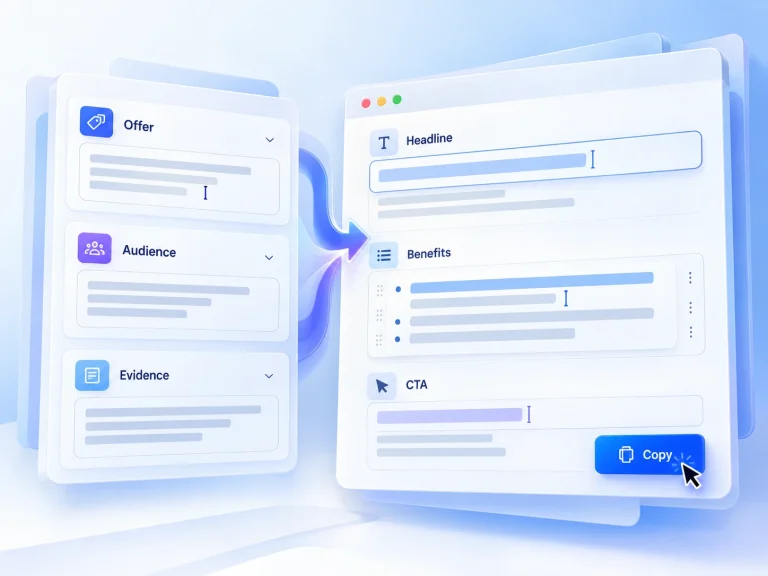
Hypothetical example: a freelance designer offers a one-page website-content checklist to small-business owners. The signup page explains who it helps and what the reader will receive. The resource helps them gather material for a website project. The first follow-up asks which page they find hardest to write and offers one useful way to get started. This gives the sequence a coherent purpose without turning every message into a sales pitch.
Before building anything, write the promise, delivery instruction and follow-up in a plain document. Keep the resource narrow enough that someone can use it without further explanation. If the follow-up introduces an unrelated offer, revise it: the first email after a download should feel like a continuation of the same task. This content work is separate from software configuration, and changing tools will not resolve an ambiguous promise.
Choose the delivery route before adding complexity
The two supplied delivery routes create different delivery priorities. A thank-you-page route can put the resource in front of someone immediately after signup; an automated-email route makes the inbox part of the delivery journey. Neither is a universal winner. Decide where the reader should look next, then make that instruction unmistakable. Confirm how the resource is made accessible rather than assuming file hosting, attachments or any particular delivery mechanism.
Also distinguish the delivery message from the first follow-up. One fulfils the original request; the other helps the reader use what they received. They may need different wording and timing. For the designer example, a useful follow-up might suggest completing the checklist’s first section before tackling the rest. That is a content proposal, not a claim about a supplied template or preset MailerLite workflow.
Budget effort for setup and ongoing maintenance
Segmentation and sequences deserve attention because a subscriber’s context affects which message makes sense. Start by defining the rule in ordinary language: someone requesting this checklist should receive this follow-up. Then investigate how to represent that rule in the available setup. Do not add multiple audience branches just because they sound sophisticated. Every extra path creates another combination of content and delivery conditions to check.
Maintenance is also part of the decision. When you replace the resource, review the page promise, access instructions and follow-up together. A working link is not enough if the email describes an older version. Keep a simple record of where the resource is referenced and who is responsible for updates. This is especially useful for a solo business, where a small automated journey can otherwise become easy to forget.
Run a small trial before publishing widely
Build only the example journey first, using an address you control. Walk through it as a new subscriber: check the promise, complete the signup, locate the resource and inspect the follow-up. Record confusing moments and any unresolved settings. Before committing, verify the current cost, relevant plan entitlements and requirements for your intended sequence; none are supplied here. Continue only when the journey is understandable and you know how to maintain it. That is a more useful decision threshold than the number of features on a page.
Strengths
- A landing page with resource delivery and follow-up emails.
- MailerLite connects landing pages with email marketing.
Limitations
- Keep the download destination consistent in the page and delivery email.
- Check automation access, subscriber limits and your intended resource delivery route.