The short version
A useful starting point
Consider Kit for a recurring creator newsletter with a welcome sequence. Review sequence entry rules when a reader joins through more than one form.
A good fit if…
A recurring creator newsletter with a welcome sequence.
Look elsewhere if…
Your only task is an occasional announcement and a new automation workflow would add upkeep without solving a problem.
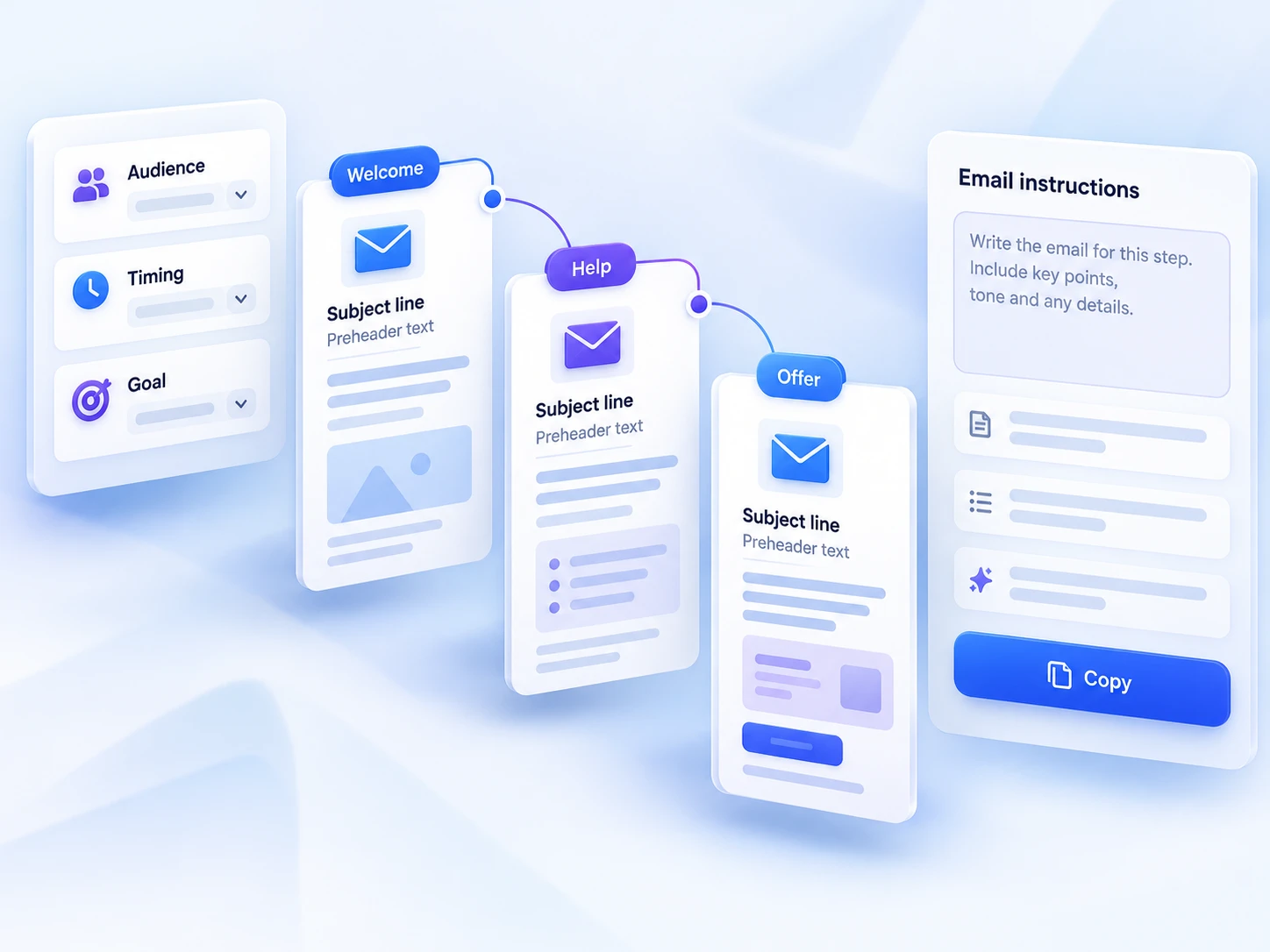
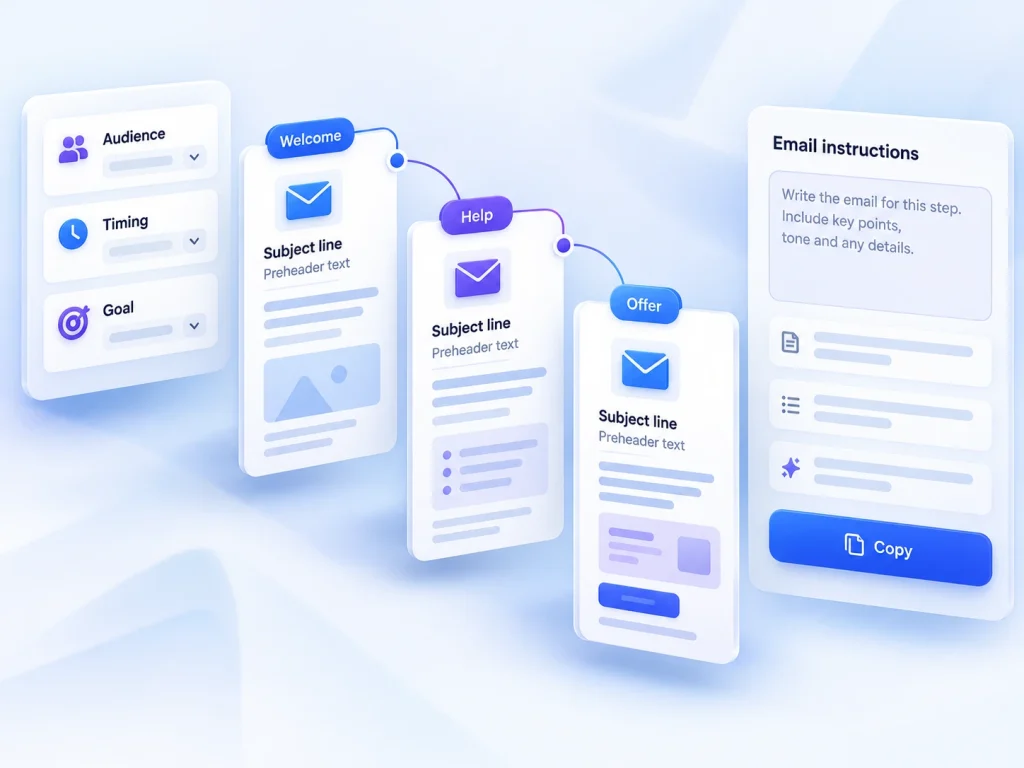
Kit combines newsletter publishing, forms and landing pages with Visual Automations. Its automation tools can organise subscribers by actions or interests and route them through email sequences. This makes it a candidate for a recurring creator newsletter with a welcome sequence. The sections below connect those features with a task you can try using your own material.
What Kit supports—and what still needs checking
Confirm the automation allowance and sending limits for your subscriber count. Review sequence entry rules when a reader joins through more than one form. It may not be the right purchase if your only task is an occasional announcement and a new automation workflow would add upkeep without solving a problem.
That combination makes Kit relevant to a small publishing workflow: give readers somewhere to subscribe, establish expectations and keep sending useful material. It does not establish how easy your particular setup will be. Your existing website, subscriber records and desired welcome sequence can all change the amount of preparation required.
A concrete task: welcome readers to a fortnightly advice email
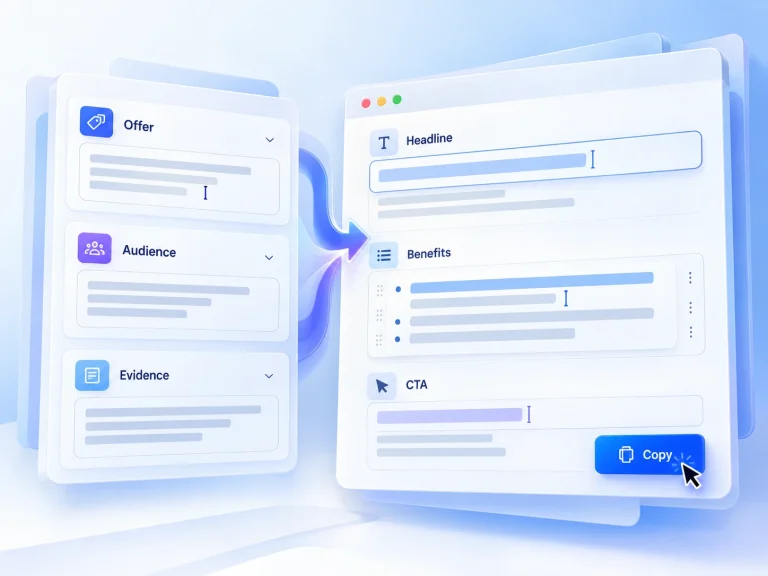
For example, imagine an independent designer starting a fortnightly newsletter for small-business owners. Each edition offers one useful website improvement and a short explanation of when it matters. The signup invitation promises that specific material and cadence. A welcome email introduces the designer’s perspective, points readers towards one useful starting resource and explains what arrives next. This is a hypothetical workflow, not a reported Kit customer result.
The useful distinction is between the welcome message and the recurring publication. The welcome message helps a new subscriber get oriented; the newsletter provides an ongoing reason to stay. Draft both before configuring anything. If you cannot explain their different purposes in a sentence each, adding automation is likely to organise an ambiguous process rather than improve it.
Keep setup small enough to inspect
Choose one entry point for the initial trial: either a subscriber form or a landing page. The useful choice depends on where you intend to invite readers and what you already maintain. Avoid building several signup routes immediately. One route makes it easier to review the promise, the information requested and the experience after subscribing without losing track of what you changed.
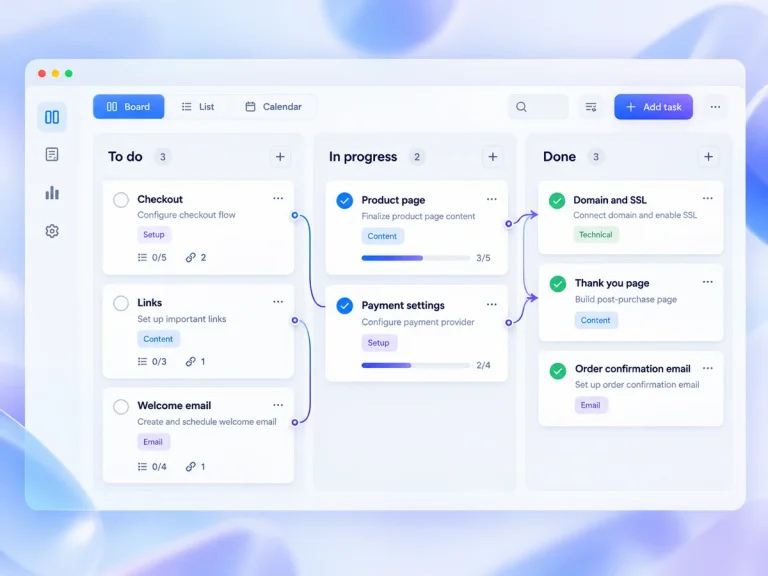
Next, define the desired welcome behaviour on paper: what should start it, which message should follow and when someone should receive the regular newsletter. Then check whether Kit’s chosen plan and automation controls support that behaviour. Do not assume particular triggers, delays or sequence rules from the general availability of email automation. Simplify the design if it requires more configuration than the task warrants.
Judge the output, not the number of settings
For this use case, a useful output is a readable newsletter with a specific purpose, plus an introduction that matches the signup promise. In your trial, inspect a sample message on the devices you expect readers to use. Check links, paragraph length and whether the main action is obvious. These are proposed checks, not claims about Kit’s rendering or delivery performance.
Maintenance deserves equal attention. A recurring newsletter creates an editorial commitment, while a welcome message can become stale when your focus or resources change. Keep a short record of the signup promise, welcome content and publishing cadence. Review it whenever you change the offer. A modest workflow is easier to keep coherent, although it still needs deliberate upkeep.
A bounded trial before the buying decision
Use a small trial to answer four questions: can you create the intended signup route, configure the welcome behaviour, produce a representative newsletter and understand the ongoing requirements? Use an address you control to inspect the subscriber journey where the available account permits it. Record friction and unanswered questions rather than treating a completed setup as proof that the platform is the best fit.
Kit is a reasonable shortlist option for this focused job because its stated categories of tools align with the workflow. The trade-off is committing to setup and maintenance before knowing the plan-level details. Proceed when you have tested the essential path and the requirements fit your budget and publishing capacity. Pause if your decision depends on unconfirmed functionality; resolve that uncertainty before expanding the workflow.
Strengths
- A signup form feeding a welcome sequence and recurring newsletter.
- Kit combines newsletter publishing, forms and landing pages with Visual Automations.
Limitations
- Review sequence entry rules when a reader joins through more than one form.
- Confirm the automation allowance and sending limits for your subscriber count.