The short version
A useful starting point
Consider GetResponse for a campaign using pages, subscriber collection and timed or triggered email. Document which trigger starts each message and which event ends the sequence.
A good fit if…
A campaign using pages, subscriber collection and timed or triggered email.
Look elsewhere if…
A single recurring newsletter already meets your needs and you would not use the surrounding campaign features.
GetResponse lists signup forms, landing pages, newsletters and autoresponders alongside a visual automation builder. Workflows can use website activity and other triggers, with access depending on the chosen service plan. This makes it a candidate for a campaign using pages, subscriber collection and timed or triggered email. The sections below connect those features with a task you can try using your own material.
The features fit the job; the connection needs checking
Compare the plan needed for autoresponders with the plan needed for your workflow. Document which trigger starts each message and which event ends the sequence. It may not be the right purchase if a single recurring newsletter already meets your needs and you would not use the surrounding campaign features.
The appeal for this task is organisational: you could assess page creation, subscriber capture and follow-up together instead of evaluating each job separately. However, a shared product name does not tell you how much configuration is required. Treat the page-to-email connection as the centre of your evaluation, not as a detail to investigate after building the page.
Example: a checklist download with three useful emails
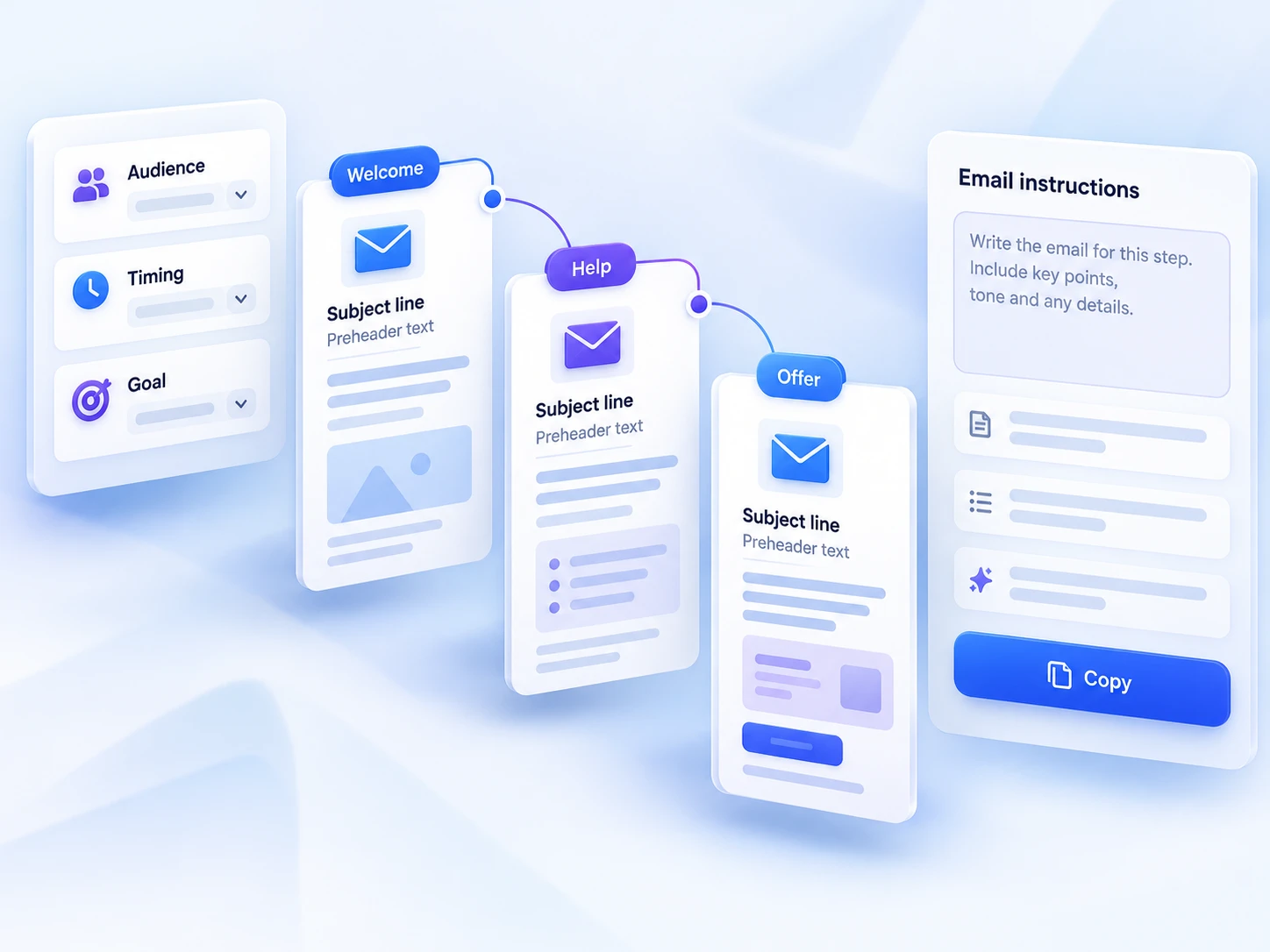
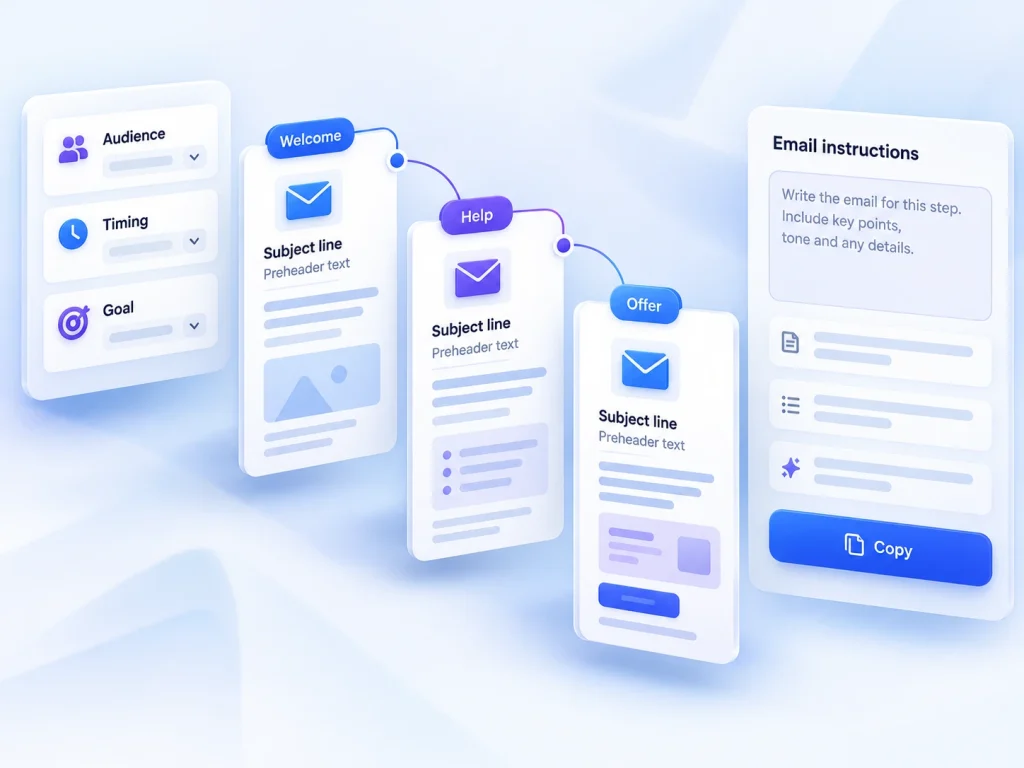
For example, imagine a solo consultant offering a downloadable project-planning checklist. The proposed sign-up page explains who the checklist helps and what subscribers should expect. The first email provides access to the resource, the second explains one way to use it, and the third invites a reply about the reader’s main planning difficulty. This is a hypothetical task, not a claim about a tested GetResponse setup.
Write those three messages before choosing a workflow. Each should have one purpose, and the sign-up page should describe the follow-up honestly. This keeps the evaluation concrete: you are checking whether the service can support a defined reader journey, rather than browsing features without knowing which ones matter. It also exposes unnecessary complexity before you spend time configuring it.
Separate setup effort from ongoing maintenance
For initial setup, establish how a submitted form is associated with the intended follow-up and where timing is controlled. GetResponse lists both autoresponders and workflow automation, but the published product details do not explain their differences. Ask which approach covers your simple sequence on the plan you are considering. Start with the least elaborate configuration that meets the task; additional branching is not automatically useful.
Maintenance deserves equal attention. A short sequence can become confusing when the download changes, the offer closes or an email refers to an outdated service. Keep a small record of the page promise, email order, resource location and review date. Before committing, establish how edits affect people already receiving the sequence. The available product documentation does not describe that behaviour, so it remains a verification point.
Run a small, observable trial
If an evaluation option is available, build only the example journey first. Use an address you control and record what happens after submission: what the page displays, whether any confirmation is requested, which email arrives and whether its links work. These are proposed checks, not reported test results. Inspect the page and messages on a phone as well as a larger screen.
Then consider the less tidy cases. What happens if the same person submits again? How would you stop future follow-up when requested? Can you identify where someone entered the sequence? Ask for explanation where the available controls are ambiguous. Do not assume a workflow behaves correctly simply because one successful submission reaches the first email.
Choose around the sequence you can maintain
For a small business, the strongest reason to shortlist GetResponse here is the presence of related page, form and email tools. The trade-off is that the published feature list leaves plan suitability and operational details unresolved. Proceed when you can explain the connection, its limits and its maintenance in plain language. If those answers remain ambiguous, resolve them before designing a larger campaign.
Strengths
- Forms and pages connected to autoresponders or a visual workflow.
- GetResponse lists signup forms, landing pages, newsletters and autoresponders alongside a visual automation builder.
Limitations
- Document which trigger starts each message and which event ends the sequence.
- Compare the plan needed for autoresponders with the plan needed for your workflow.