
The short version
A useful starting point
Consider Adobe Express for a text-led guide whose copy may change during editing. Recheck headings, page breaks and linked boxes after a substantial revision.
A good fit if…
A text-led guide whose copy may change during editing.
Look elsewhere if…
Your document requires specialised publishing controls that you have not verified in the editor.
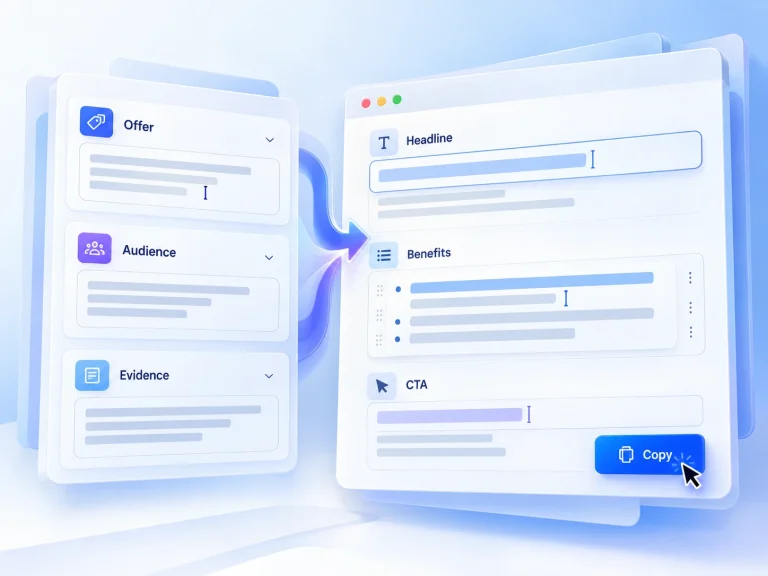
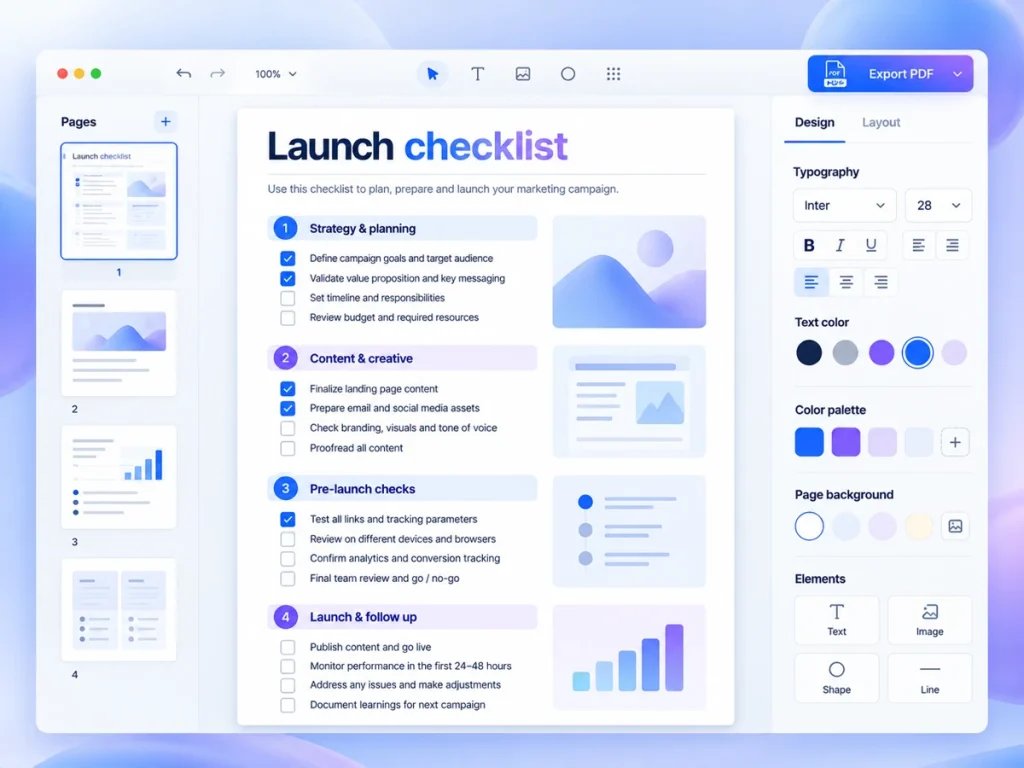
Adobe Express supports document templates and linked text-flow boxes. Overflow can move into the following linked box, and the document controls can add, resize, combine or stop a text flow. This makes it a candidate for a text-led guide whose copy may change during editing. The sections below connect those features with a task you can try using your own material.
What the product documentation confirms
Try your densest page and required export before committing to a document layout. Recheck headings, page breaks and linked boxes after a substantial revision. It may not be the right purchase if your document requires specialised publishing controls that you have not verified in the editor.
Choose the reader’s task before choosing the template
Example: a freelance web designer has written a draft explaining what a client should prepare before a website project. The intended output is a short preparation guide, not a comprehensive ebook. A useful structure might cover the project goal, content to gather, decisions to make and a final checklist. That gives the guide a purpose: helping a prospective client arrive at the next conversation better prepared.
Before opening a template, remove repetition and identify the action each section supports. Separate essential instructions from optional explanation. This is editorial work rather than a software capability, but it affects the eventual layout effort. A compact guide becomes harder to read when every paragraph is treated as equally important. Choose the smallest useful scope, then look for a design that serves it.
Assess setup effort with a deliberately awkward sample
A template can provide a starting structure, but the published product details do not tell us how much adjustment your draft will require. Test a section containing a long heading, several paragraphs and a checklist. Those elements are more revealing than a short introduction because they expose the tension between attractive spacing and useful content. Keep the wording realistic rather than shortening it merely to preserve a design.
For the hypothetical client guide, use the content-gathering section as the sample. Ask whether readers can distinguish required material from optional suggestions at a glance. If fitting the section means shrinking text excessively or splitting related instructions awkwardly, reconsider the layout or the scope. The trade-off is between adapting your draft to an existing design and spending more time finding a better structural match.
Judge the output, not just the editing view
Downloading is documented, so make it part of the trial rather than a final administrative step. Open the downloaded sample in the setting where readers are likely to use it. Check text size, page breaks, reading order and whether the checklist remains usable. Confirm the available file type meets your intended distribution needs; the available product documentation does not specify formats. If printing matters, inspect a printed sample too.
Sharing for collaboration is also documented, but the published product details do not describe permissions or the review process. Use a small review task to establish what works for you: ask a colleague to identify one ambiguous instruction and one missing preparation item. Verify how they access the document and how you will collect their feedback. A focused review is more useful than asking whether the guide looks professional.
Plan for the second edition
The maintenance question is whether ordinary revisions remain manageable. After the initial sample, add another instruction and lengthen a heading. Observe how much adjustment is needed, without assuming the software will reorganise everything automatically. Keep your original draft separately so future content decisions are not trapped inside layout choices. Before proceeding, also confirm whether the selected template is free or premium and what access it requires.
Try one representative document
Adobe Express merits a shortlist place for this task because the documented workflow covers editing, downloading and collaboration. Proceed if a representative sample stays readable, the downloaded file suits your delivery method and routine changes remain manageable. Pause if you are still deciding what the guide should teach: resolving the content first is likely to be more valuable than polishing pages. No broader winner can be established from the limited published product details.
Strengths
- Document templates with linked text-flow boxes.
- Adobe Express supports document templates and linked text-flow boxes.
Limitations
- Recheck headings, page breaks and linked boxes after a substantial revision.
- Try your densest page and required export before committing to a document layout.