

Plan your landing page by completing this sentence: “After reading this page, the right visitor should be able to decide whether to ___.” Choose one concrete action, such as requesting a quote, booking a consultation or buying a specific resource. Then include the information needed to make that decision. A focused page is not necessarily short; it gives each section a specific job instead of asking visitors to choose between unrelated offers.
Define the reader’s decision, not just your goal
“Get more enquiries” describes a business goal. It does not explain what a visitor needs to understand before enquiring. A useful planning statement names the visitor, the offer and the commitment: “An independent shop owner can decide whether to request a quote for product photography.” This makes the page easier to plan because you can assess every proposed section against a specific choice.
Separate the decision from the eventual outcome. Requesting a quote is not agreeing to a project. Downloading a guide is not buying a service. Your page should explain the commitment it actually asks for, including what happens afterwards, rather than implying that a small first step settles a larger purchase.
Match the decision to the visitor’s starting point
Write down where visitors will arrive from and what that link promises. Someone clicking an email about a workshop needs a page that explicitly continues that offer. Someone arriving from a broad educational article may need more explanation before considering a booking. Avoid making the page start a different conversation from the one that brought the reader there.
Example: a freelance designer shares a post about a fixed-scope homepage review. The landing page should help readers decide whether that review suits their website, not introduce every design service available. If the post promises details about the review, the page should provide those details before pressing for a booking.
Build a decision brief before drafting
Use a short brief to identify what the visitor must know. For the hypothetical homepage review, the brief could contain these five points:
- Reader: a solo business owner with an existing website.
- Decision: whether to book a homepage review.
- Scope: what will be reviewed, what the buyer receives and what is excluded.
- Conditions: the actual price, delivery arrangements and information required from the buyer.
- Follow-up action: what selecting the booking button starts and whether payment is involved.
Treat unanswered points as preparation work, not gaps to disguise with persuasive copy. If the service scope is unsettled, define it before publishing. If turnaround varies, explain the real scheduling process rather than inventing a firm deadline.
Choose sections that resolve uncertainty
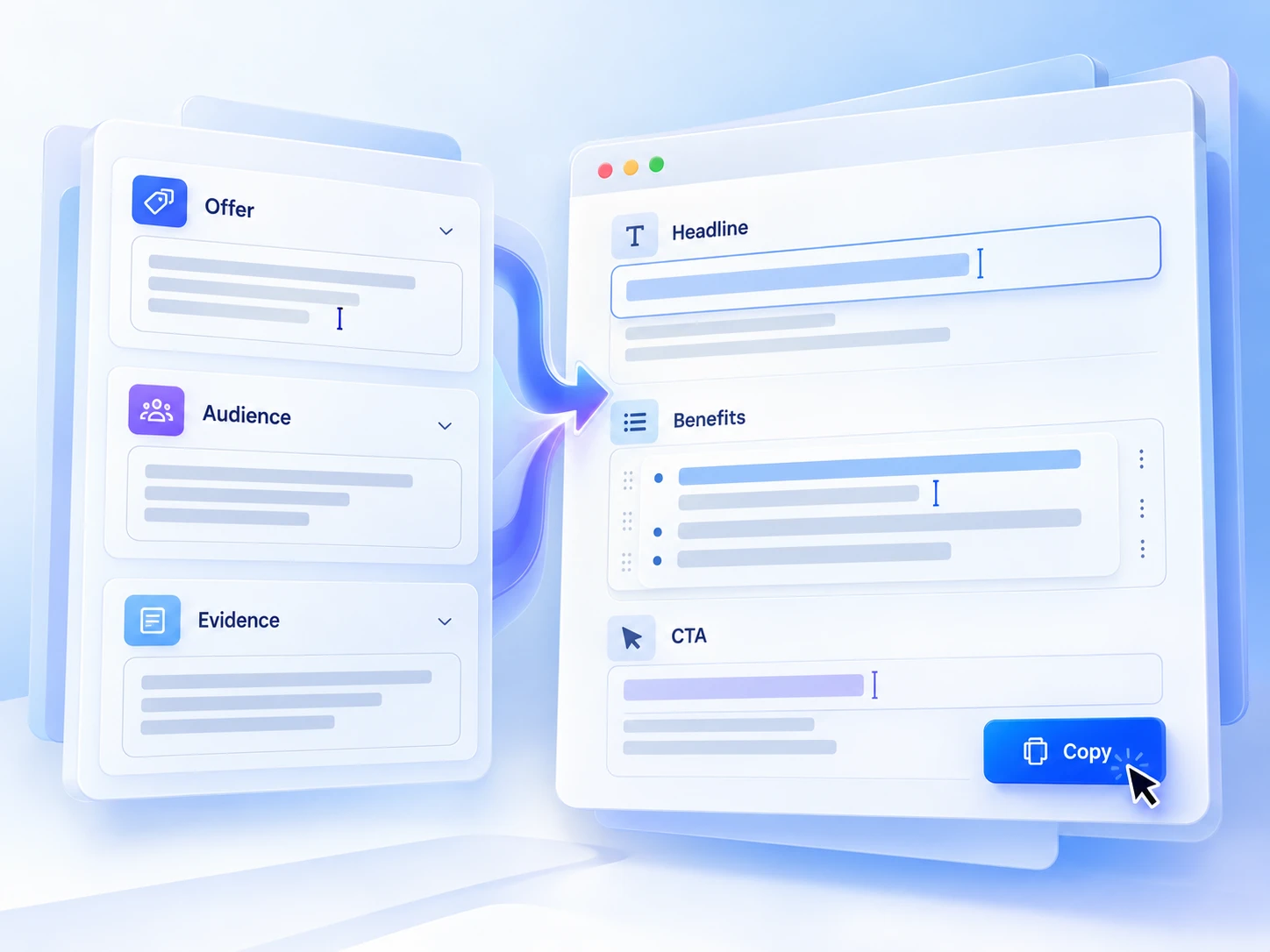
Turn the brief into a simple sequence: identify the offer, explain who it suits, show what is included, provide relevant evidence, answer material questions and describe the action. This is a planning aid, not a mandatory template. A straightforward download may need fewer sections than a service requiring access to business information.
Use evidence that helps readers judge the actual offer. For the review example, an explicitly labelled sample deliverable could show the format and level of detail. Do not present a fictional sample as client work. If you lack testimonials, explain your process and boundaries honestly rather than manufacturing social proof.
Reduce competing choices without hiding useful information
A page can repeat the same primary action after different sections without introducing another decision. The problem is competition: a booking button alongside equally prominent invitations to browse services, join a newsletter and download an unrelated guide. Give the main action visual priority, while retaining access to information readers reasonably need, such as contact details or relevant policies.
The trade-off is that a focused page offers less room for exploration. If visitors genuinely need to compare several services first, a service overview may be more appropriate. Do not force a single-offer page onto a task that requires comparison.
Run a small comprehension check
Before sharing the page widely, ask someone unfamiliar with the offer to read it without an explanation from you. This is a check for confusion, not proof of future sales. Ask them to answer four questions:
- What is being offered, and who is it for?
- What would you receive, and what is outside the scope?
- What commitment does the main button ask you to make?
- What information would you still need before deciding?
Revise the most consequential uncertainty first, then check the page on a phone and follow the action through to its destination. Write the decision sentence today. Use it to remove one distraction and identify one missing answer before polishing the design.